Tansei12

A simple shelf for Mac and Windows
Move between apps without losing your flow.
Everything you need stays close.
macOS 15+Windows 11
Apple silicon
No account
App Store · Microsoft Store
This is the Shelf · docked at the edge of your desktop · try it
The product · 01–05
Take a closer look.
⌘C
Keyboard apple.jpg
Copy · Save to Tansei
Right-clickbrand blue
# brand# launchPinnedArchive
Shortcuts
Open and close from anywhere⌥T
Undo the last delete or archive⌘Z
Copy the selection⌘C
Select several⌘ click
Select everything⌘A
Archive · deletes when in Archive
Delete permanently⌘
Close what’s open · tuck awayesc
How it works
Add. Move. Use.
Add what you’re using
Drag anything onto the shelf and keep working. Text, links, images, files, colors, code.

Move between apps
The shelf stays docked at the edge of the screen while you move between editor, browser, and chat.

Use it in place
Drag it back out when you need it. Nothing to file, nothing to search for.

Watch it in motion
See how Tansei fits into your workflow without getting in the way.

Save it once. Find it instantly. Everything you need to keep work moving.
Copy & capture
Copy text, links, colors, or take a screenshot. It appears on your shelf automatically.
Notes & files
Write a quick note, add a file, or drag one in. Keep everything together while you work.
Record & transcribe
Record your screen or a voice memo. Tansei creates a transcript right on your computer.
Pins, groups, tags & filters
Pin important items, group related work, add tags, and filter your shelf to find what you need faster.
Colors
Copied colors become swatches, ready to use as HEX, RGB, HSL, and more.
Stored locally
Everything stays on your computer. Preview, rename, open, archive, or delete any item whenever you need.
Whatever you copy
Anything you copy, ready when you are.
Colors become swatches. Screenshots stay off your desktop. References are easy to preview and drag back into the work.
Six items, one shelf Tansei6 items
#AFC5F6Color · Color Picker
ScreenshotPNG · Screen
 hero-ref.pngPNG · Clipboard
sk-live-••••4f2aText · Might be sensitive
$npm run buildCommand · Terminal
{ }{ "ok": true }Response · JSON
Neither does your shelf
Modern work doesn’t sit still.
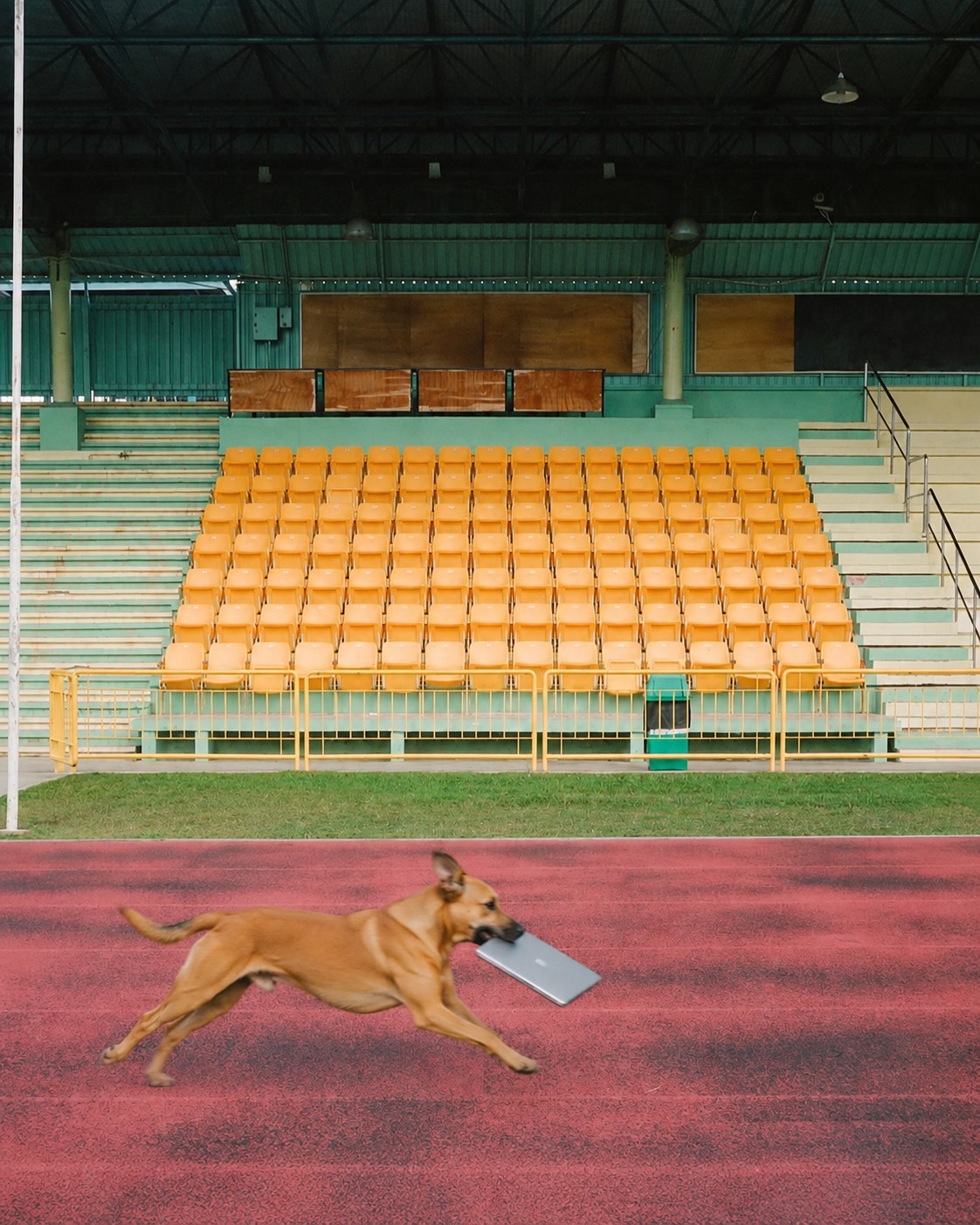
Not everything belongs in a folder.
Some things are still in motion.







1,200×
app switches a day
4 hours
lost each week to refocusing
That’s the gap Tansei closes. Everything you’re carrying stays one glance away.
Get TanseiHarvard Business Review, across 137 workers
at Fortune 500 companies
Who it's for
For people who work across too many apps.
Modern work rarely stays in one place.
Vibe coders
Developers
Designers
Researchers
Marketers
Founders
Students
Creative teams

From the blog
Read the blog
Notes on work in motion.
01
From app switching to agent handoffs
How AI agents are changing work on your desktop in 2027.
02Making a small language model behave like a Mythos
What the biggest AI models do better and simple ways to get similar results from a smaller model.
03Ten ways to get better results from AI
The biggest lever is not how you word it.
Privacy
Private by default.
Tansei is built to keep your working context private, local, and under your control.
On your device
Your active shelf stays on your device by default.
No sign-in
Tansei works without an account.
Offline ready
Your shelf is available with or without internet.
Controlled by you
Clear, archive, recover, or delete anything when you choose.
Pricing
Buy once. Use Tansei.
$7 once, per platform. No subscription.
Get Tansei
License key sent instantly.
$7
Once, per platform
No subscriptionUSD
No subscriptionUSD
01Save anythingNotes, links, images, files, code, colors, and more.
02Find it fastGroups, tags, pins, and search.
03Keep it yoursStored locally. Private by design.
MacmacOS 15 or later · Apple silicon
PCWindows 11

Move faster
Everything you’d keep on a shelf.
Everything you’d keep on a shelf.
Now on Mac and Windows.
macOS 15+ · Apple siliconWindows 11Works offlineCat not included